
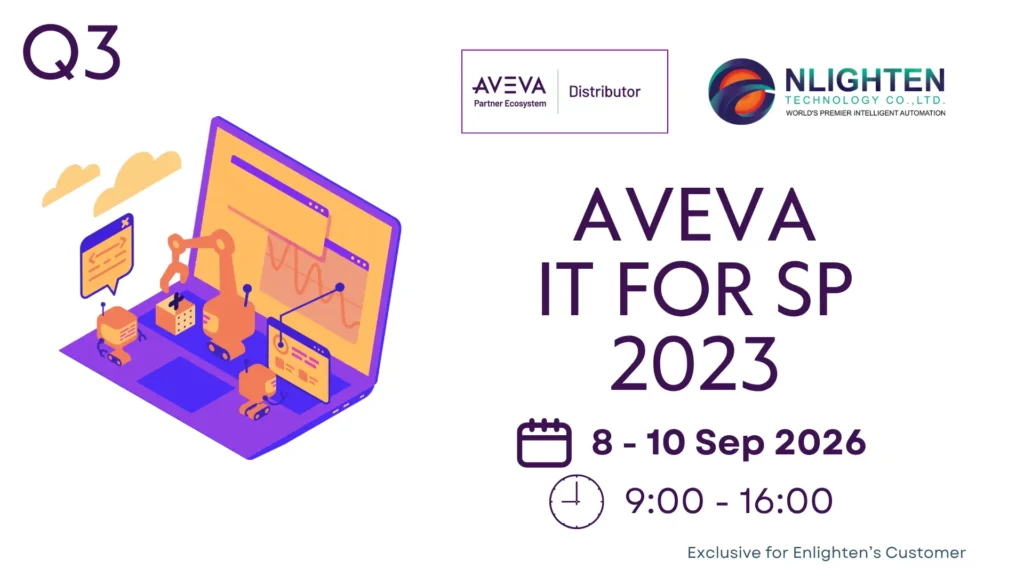
Description
The AVEVA™ InTouch for System Platform 2023 Instructor-Led Training course is a 3-day, Thai instructor-led class designed to provide an overview of the features and functionalities released with AVEVA InTouch for System Platform. It covers the components and capabilities of the software, as well as topics to help you build and deploy an InTouch for System Platform visualization application. It also introduces tools for creating graphics, visualizing alarms and events, visualizing trends and history, and implementing security in an InTouch for System Platform application. Hands-on labs are provided to reinforce the knowledge necessary to use the InTouch for System Platform software.
Objectives
Upon completion of this course, you will be able to:
- Describe InTouch for System Platform visualization components
- Create and run visualization applications
- Describe situational awareness concepts
- Create and use graphics
- Implement navigation for visualization applications
- Implement alarm visualization
- Implement real-time and historical trending
- Implement visualization application security
- View graphics in a browser
Outline
Module 1 – Introduction
- Section 1 – Course Introduction
- This section describes the objectives, prerequisites, intended audience, and agenda for the course.
- Section 2 – System Platform Overview
- This section describes fundamental concepts about AVEVA System Platform and AVEVA System Platform Enterprise. It also introduces ArchestrA technology.
- Section 3 – Encrypted Communication
- This section describes the encrypted communication for end-to-end communication between server and client software applications.
- Section 4 – System Requirements and Licensing
- This section describes system requirements for System Platform software and introduces the licensing model.
Module 2 – Getting Started
- Section 1 – Introduction to InTouch Visualization
- This section introduces visualization concepts and describes InTouch for System Platform as one of the visualization clients of Application Server. It also introduces AVEVA Connect for graphics.
- Section 2 – InTouch Automation Objects
- This section introduces the InTouchViewApp and ViewEngine automation objects.
- Section 3 – Introduction to the InTouch Development Environment
- This section provides a brief overview of the features of the WindowMaker environment and its settings and describes InTouch windows.
- Section 4 – Runtime Environment and Application Design
- This section provides a brief overview of InTouch WindowViewer and explains how to deploy and run a Managed InTouch application.
Module 3 – Symbols
- Section 1 – Symbol Overview
- This section introduces industrial graphics, including managing them in the System Platform IDE and the out-of-the-box symbol libraries provided with Application Server. It also provides an overview of Situational Awareness concepts.
- Section 2 – Graphic Editor
- This section describes the Graphic Editor, including an overview of its interface and using it to create graphics.
- Section 3 – Graphics with Objects
- This section provides a brief overview of using graphics in automation objects and referencing them.
- Section 4 – Graphic Editor Tools and Animations
- This section provides an overview of graphic tools available in the Graphic Editor, as well as visualization and interaction animations. It also reviews containment relationships between automation objects.
- Section 5 – The OwningObject Property
- This section introduces the OwningObject property and Windows common controls.
- Section 6 – Custom Properties
- This section provides a brief overview of custom properties for symbols. It also describes the Button tool and explains how to use the PushButton and Show Symbol animations. Additionally, it describes the TreatAsIcon property.
- Section 7 – Scripts in Graphics
- This section provides a brief overview of the scripting environment, explains execution types and triggers, and introduces ShowGraphic functions.
- Section 8 – Galaxy Styles
- This section explains how to work with Galaxy Styles.
Module 4 – Widgets
- Section 1 – Widgets Overview
- This section describes using HTML5 widgets in your InTouch for System Platform application and introduces the Carousel widget.
Module 5 – Alarms and Events Visualization
- Section 1 – Alarming Overview
- This section provides a brief overview of alarms and events and explains how System Platform handles them. An introduction to the Alarm Border animation, Alarms aggregation, severity, and shelving is also provided.
- Section 2 – Live Alarms Visualization
- This section explains how to use the Alarm Client control in your InTouch for System Platform application to visualize live alarms.
- Section 3 – Historical Alarms and Events Visualization
- This section explains how to use the Alarm Client control in your InTouch for System Platform application to visualize historical alarms and events.
Module 6 – Trend Visualization
- Section 1 – Historization Overview
- This section provides a brief review of how Application Server handles the configuration and logging of historical data.
- Section 2 – Real-Time Trending
- This section introduces the Trend pen and two situational awareness symbols for trending and explains how to configure them.
- Section 3 – Multi Pens Trend
- This section describes the Trend Client control as a real-time trend plot. It introduces Multi Pens Trend as a real-time trend solution and explains backfilling data from Historian.
- Section 4 – Historian Client Trend Control
- This section provides a brief overview of the Historian Client Trend control.
Module 7 – Security
- Section 1 – Security Overview
- This section provides an overview of security in Application Server, including authentication modes, permissions, roles, and users. It also describes security classifications for attributes, the security audit trail, InTouch security tags, and script functions.
- Section 2 – Signed Writes
- This section provides a brief overview of the Secured Write and Verified Write security classifications, the Can Verify Writes Operational permission, and the Secured Write and Verified Write dialog boxes.
- Section 3 – Customization of the Runtime Environment
- This section explains how to customize the runtime environment to more fully secure and protect the application. It also describes how to configure the InTouch runtime environment for inactivity and introduces the EnableDisableKeys() script function.
Module 8 – Web Client
- Section 1 – Web Client Overview
- This section describes the Web Client features and dependencies.
Prerequisites
Knowledge of the following tools, features, and technologies is required:
- Industrial automation software concepts
- From the Application Server software product:
- Integrated Development Environment (IDE)
- Automation objects
- Alarms of attributes
- Historization of attributes
- Security
- Deployment model
- Plant model
- QuickScript .NET scripting language
Audience
Individuals who need to configure or modify InTouch for System Platform applications
*Remarks:
*เงื่อนไขการยืนยันการ Training: การจัด training จะได้รับการยืนยันภายใน 14 วันก่อนวันเริ่ม Training โดยขึ้นอยู่กับจำนวนผู้ลงทะเบียนขั้นต่ำที่กำหนด หาก training ถูกยกเลิก ทางทีมจะแจ้งให้ทราบทางอีเมลที่ลงทะเบียนไว้
*การแจ้งเตือนและยืนยันรอบสุดท้าย: ผู้ลงทะเบียนจะได้รับอีเมล Reminder และ Final Confirmation 3 วันก่อนวันเริ่ม Training กรุณาตรวจสอบอีเมลและยืนยันการเข้าร่วมภายในเวลาที่กำหนด
Registration Link: AVEVA™ InTouch for System Platform, 8-10 Sep 2026 – Fill out form
สถานที่: Enlighten Technology – https://maps.app.goo.gl/z9YizQ9gfqhbpfz1A